Your systems.
Ready to connect.
Connect your ERP, your databases, your docs and your help desk, and your agents work from your company’s own data. 32 systems are ready today, and the list keeps growing. We connect them for you today. With our new engine, you pick them yourself in the portal.
32 systems and growing · Copied or read live · New ones in one to four weeks
32 systems. And growing.
The systems RealMemory connects to today, in the same groups you’ll find in the portal. Pick a group, or see them all.
Accounting & ERP
Microsoft’s business applications for finance, operations, sales and service, including Business Central.
Oracle’s cloud ERP: accounting, inventory, orders and CRM.
An open-source suite of business apps: accounting, inventory, sales, CRM and more.
Intuit’s accounting software, installed on your own computers.
Intuit’s accounting software in the cloud.
Sage’s accounting software for small businesses, installed on your own computers.
Sage’s ERP for small and midsize businesses: accounting, inventory, distribution and manufacturing.
Sage’s ERP for midsize businesses, with multi-currency and multi-company accounting.
ERP software for finance, supply chain, manufacturing and sales, including S/4HANA and Business One.
Databases
IBM’s server platform (formerly AS/400), often running core business applications and their Db2 for i database.
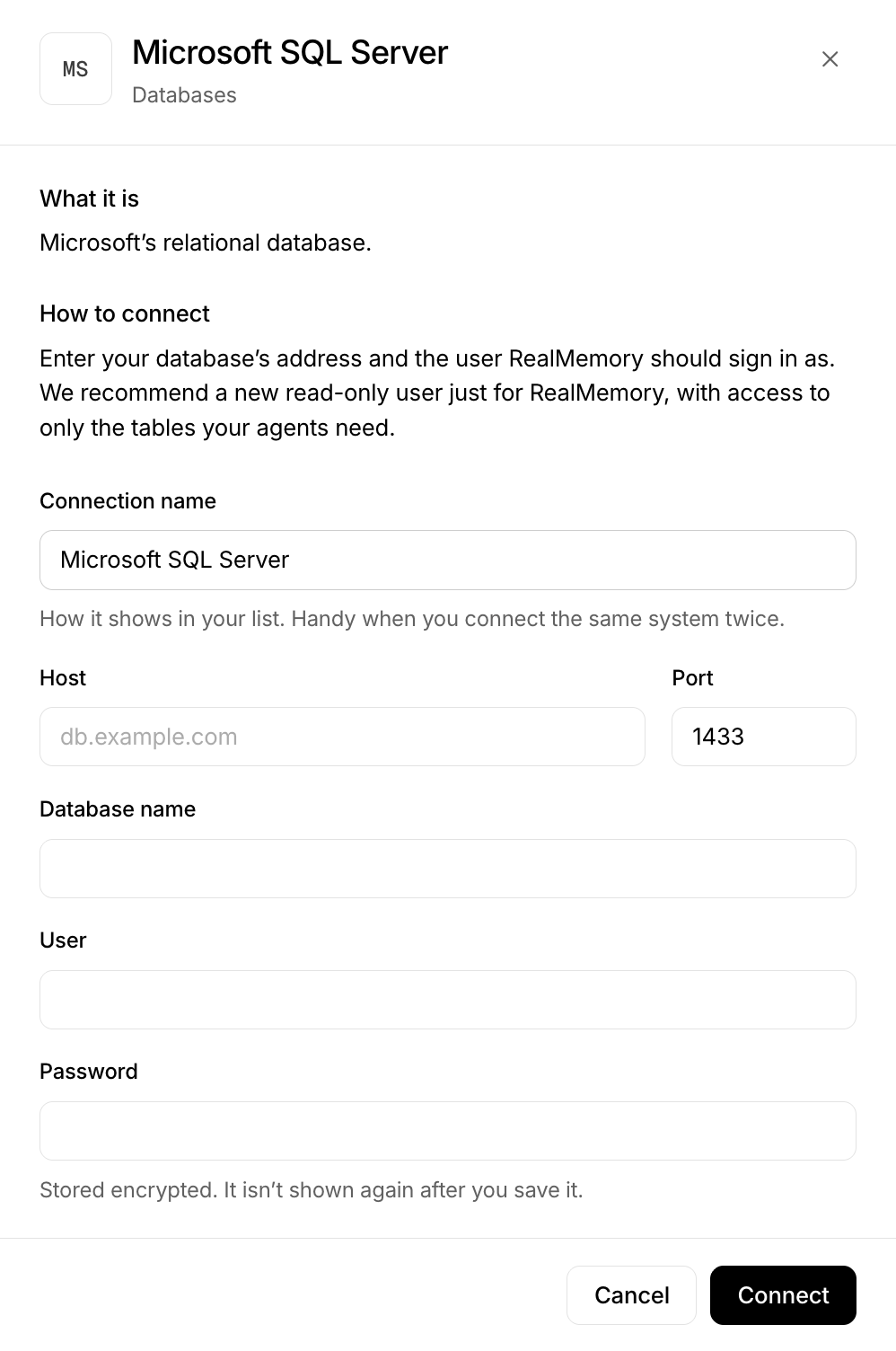
Microsoft’s relational database.
An open-source relational database.
Document, key-value and other non-relational databases, like MongoDB, Cassandra and Redis.
Any other database your systems reach through an ODBC driver.
An open-source relational database.
Projects & docs
Atlassian’s wiki for team pages, documentation and knowledge bases.
Where your team’s code lives: repositories, issues and pull requests.
Atlassian’s tracker for issues, tasks and projects.
An issue tracker and planning tool for product and engineering teams.
A workspace for documents, wikis, notes and databases.
Files & messages
Cloud content management: the files and folders your team keeps and shares in Box.
Google’s email, part of Google Workspace.
Google’s file storage, including Docs, Sheets and Slides.
Microsoft 365’s chat, meetings and channels.
Team messaging, organized in channels and direct messages.
Customer support
Freshworks’ help desk for support tickets and self-service help.
Customer messaging: live chat, a support inbox and help articles.
Customer service software: support tickets, a help center and live chat.
Commerce & operations
Fleet and operations data: vehicle locations, drivers, equipment and safety.
An online store platform: products, orders, customers and inventory.
CRM
A CRM for sales, service and marketing teams.
Data files
Your own data in a file: CSV, JSON, Excel and more.
Don’t see your system?
We build new integrations, usually in one to four weeks, while your agent is already live on everything else.
Copied ahead. Or read live.
It depends on the connection. What rarely changes is copied and prepared ahead of time. What changes all day is mapped, and read from the source when a question needs it.
Ready ahead of time
Databases, documents and files are copied into a store kept just for your company, then sorted and indexed, so answers come fast.
Mapped, not copied
What changes all day, like Slack and GitHub, isn’t copied. RealMemory keeps a map of what’s where and reads the source when a question needs it.
Kept up to date
Choose how often each connection updates: twice a day, daily, weekly, monthly or only on request.
Only where you allow it
Reading is the default. Where you need it, your agent can also update a system, like an order in your ERP.
Connect in minutes. Not months.
With our new engine, your team connects each system itself. Every integration in the portal says what it reads and how to connect it.
Pick your system
Find it in the portal’s list of integrations, grouped like the one above.
Give it access
An address and a user, a token or a file, depending on the system. For a database, we recommend a read-only user with only the tables your agents need.
Choose how often
Pick how often it updates. Its data is then ready for every agent in your account.
Your systems. Your rules.
You decide what RealMemory can reach, and the credentials stay locked away.
Only what you connect
It reads only the systems you connect, and you can leave out the tables, spaces or projects it shouldn’t see.
Credentials kept safe
Passwords and tokens are stored encrypted and never shown again after you save them.
Never trains a model
Your data is never used to train any AI model.
One list. Every way in.
Integrations feed Knowledge, the memory every agent in your account shares. The same list works with all three ways to use RealMemory.
Running your own agent? Start with Knowledge Engine, or add memory with Memory Engine. Want us to run the agent too? That’s Hosted agents.
What you get
With every integration.
Give AI real experience.
 Investing in AI agents? Let’s talk →